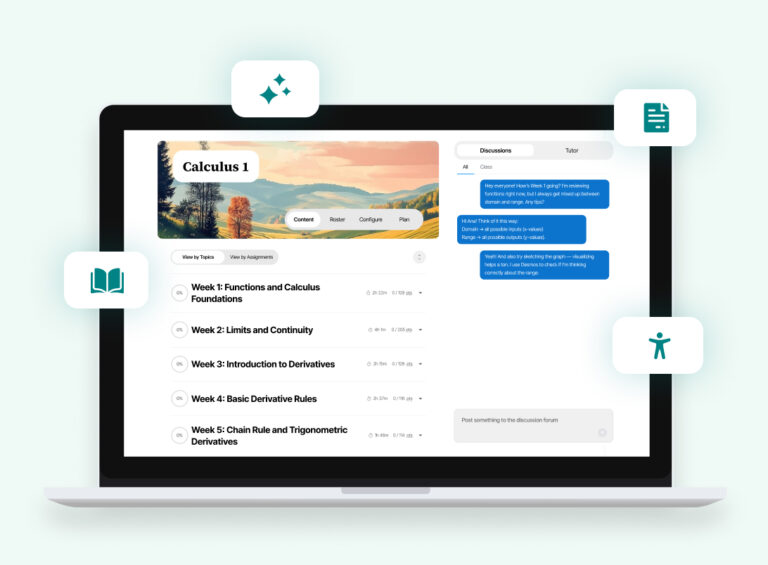

We’re continually improving Learnvia based on real classroom use. Throughout August 2026 the team fixed errors and made several feature improvements and optimizations across the AI Tutor, Chapter Summary, grading, and accessibility.
Meet the New Kit Library
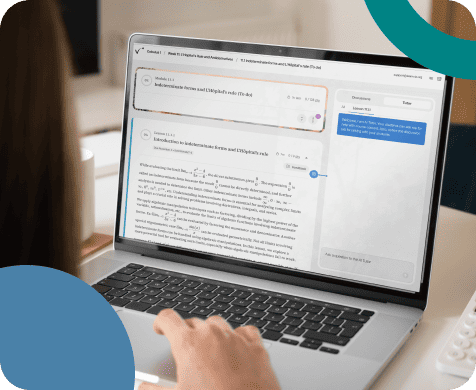
The biggest change is the new Learnvia Kit Library, a single view where you can see every kit you have access to, switch between them without losing your place, and keep two kits open at once. This is valuable to instructors who teach sections drawn from more than one course. Alongside it, we expanded support for professional development courses: you are now auto-enrolled into the relevant Faculty Resource course based on your kit’s content, and PD courses are filtered out of the kit catalog by default so they don’t clutter a search for an actual course.
Chapter Summary Gets Smarter
Chapter Summary, the instructor view we introduced this summer, got several refinements. AI-generated summaries are shorter and easier to scan. Insights reference modules by name instead of internal knowledge and skill codes. We also fixed a case where AI insights showed no data when only one module was selected, corrected rubric examples that were writing math notation into what should have been plain text, improved the accuracy of student attempt counts, and cleaned up visual issues that occur when tabbing quickly through the page.
Less Friction for Instructors
A few changes improve instructor workflow: course content now includes clickable links so you can easily point students to external resources. We added a time tracking feature that captures how long students actively engage with an activity, and we also fixed a few bugs related to instructor usage reports, student feedback submissions, and Canvas token authentication.
AI Tutor Improvements
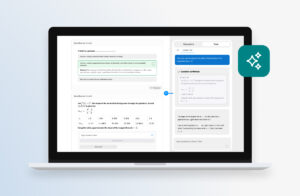
Both releases continued improving the AI Tutor. Students now see status messages while an answer is being prepared, and Step-by-Step Mode now covers the combined Calculus 1 and 2 kit. We also improved the AI Tutor’s ability to more accurately pull context from the question and from the larger course.
More Accessibility Improvements
We also shipped 24 accessibility fixes spanning keyboard navigation, screen reader labeling, and focus management. Beyond features, each release carried security improvements and ongoing performance and reliability work that keeps the platform stable as usage ramps up for the new term.
You Flagged It, We Fixed It
Learnvia is built by educators, for educators, and we want all faculty and students that have joined our learning collaborative to feel fully supported. You can use the Feedback button anywhere in the platform to get in touch, or email us anytime at support@learnvia.org. We welcome your questions, concerns, and suggestions. Our team reviews all feedback and shares it with the individuals shaping Learnvia’s platform, courseware, and support. In fact, many of the improvements highlighted above grew directly from what faculty and students told us.
Thank you for your partnership and for helping us continue to improve Learnvia for teaching and learning!