
We’re continually improving Learnvia based on real classroom use. Throughout September 2026, as the fall term got underway, the team made improvements across the AI Tutor, question types, grading, Chapter Summary, accessibility, and everyday instructor and student workflows.
Ask the AI Tutor How Learnvia Works
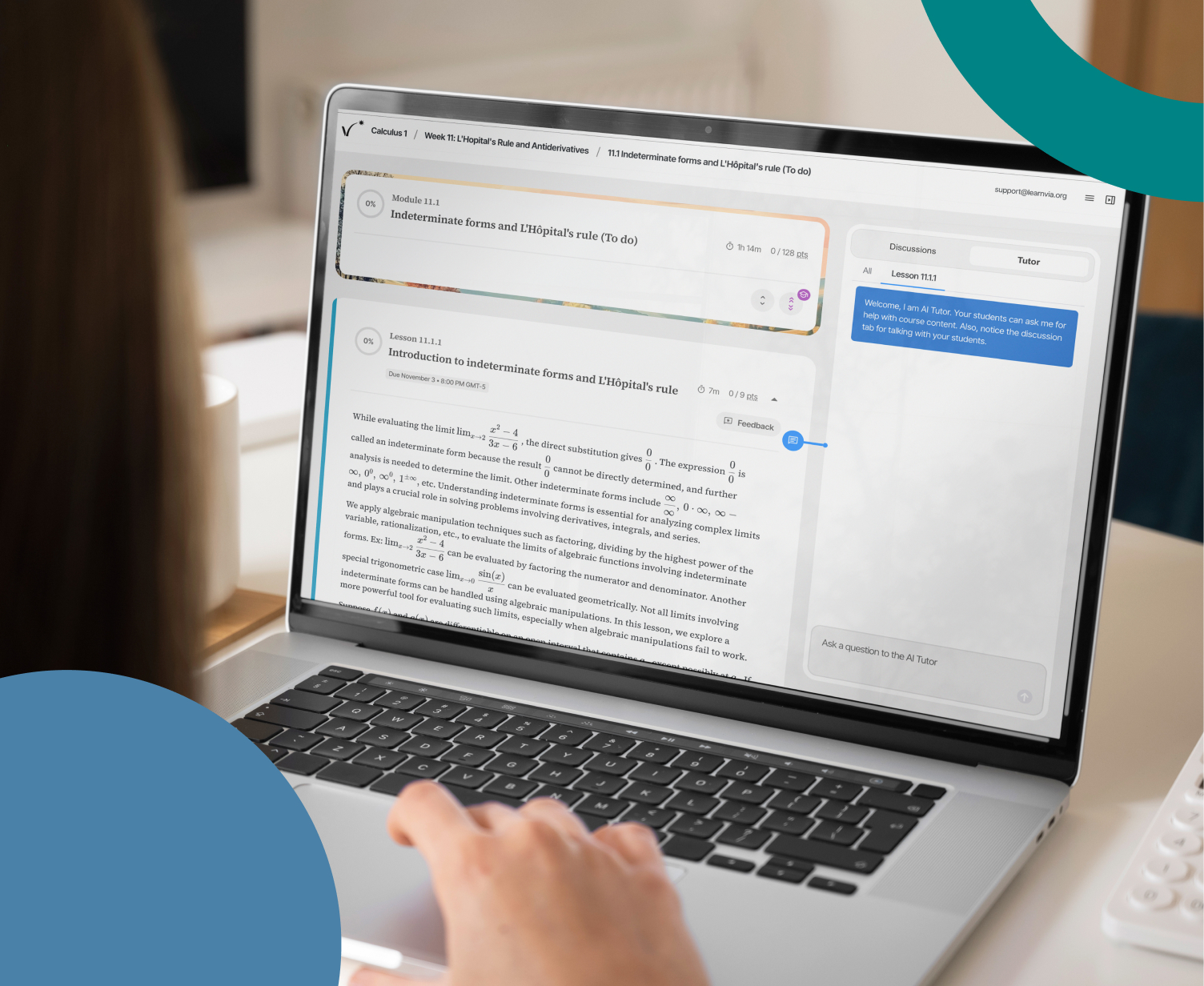
The AI Tutor can now answer questions about the platform itself. When a student asks how a feature works, the Tutor answers from the Learnvia support knowledge base, so help arrives immediately. We also made the Tutor more dependable: it no longer accepts a second request while it is still writing a response, it reads a figure’s description and references the correct image from the content, and it no longer asks students to reconfirm the question after they choose a specific Step by Step prompt. We also improved how each student’s daily tutor allowance is calculated.
A New Slider Question and Smarter Randomized Figures
Sliders are a new question type, fully supported for delivery, scoring, and AI Tutor context. Randomized questions also got better: when a student receives new numbers, the question’s figure now redraws to reflect the specific values that student was given. For Long Answer questions, sample answers included in the content are now hidden from students in homework and quizzes, which lets us include them to improve AI grading.
Grading You Can Count On
Several fixes target cases where a grade did not reflect a student’s work. When you move an assignment’s due date, credit is now restored to every student, and you’ll see a message while grades recalculate. Changing the setup of a week that hasn’t started no longer pushes early zeros to your LMS gradebook. A coordinate pair such as (2,0) entered in a short answer field now grades correctly, a stray character from the Math Keyboard no longer causes a correct answer to be marked wrong, and numeric tolerance now works as expected for answers with large values. Behind the scenes, a forced grade resync now resends every grade, including unchanged ones, without duplicating grade records.
Chapter Summary: Tell Us What You Think
Chapter Summary now includes feedback buttons, so you can share what you think of a summary right from the page, and it goes straight to our support team. Chapters with very low student participation are no longer presented as class-level data, so a handful of early responses won’t stand in for your whole class. Summaries also generate faster and more reliably.
Less Friction for Instructors and Students
The Roster now sorts by last name by default, and the Accommodation column shows accommodations correctly for all students. In Plan View, you can no longer add assignments to weeks that have already passed, and an assignment added to one week no longer appears in every week before you save. In Exceptions, one student’s incomplete LMS record no longer empties the whole list of students available for extensions and accommodations. A few smaller touches: the maintenance banner can now be dismissed, Discussions and Feedback fields show a character countdown, and the Instructor Usage Report now counts time spent in professional development resources. For students, submitting a quiz no longer jumps them to the results, a retried self quiz no longer shows questions from an earlier attempt, and the Demographic Survey no longer loses answers when a session times out.
More Accessibility Improvements
Accessibility remains an ongoing priority, and these two releases brought more than 15 improvements, with a focus on how students hear mathematics. Rendered math can now be read aloud from a text alternative, and authors can write speech text so screen readers say exactly what is meant. Screen readers now announce the full text of math answer options, and tables inside multiple choice options are read as tables instead of a run of numbers. Draggable assignments in Plan View now work from the keyboard, the Tutor and discussion sidebar no longer covers the page on tablets and phones, and question prompts and data tables reflow on smaller screens. We also improved screen reader support for the Chapter Summary chart, Tutor status messages, and the Feedback popup, and added clearer labels and stronger contrast in several places. Each release also carried security improvements and ongoing performance and reliability work.
You Flagged It, We Fixed It
Many of the improvements above grew directly from what faculty and students told us. Learnvia is built by educators, for educators, and we want every faculty member and student in our learning collaborative to feel fully supported. You can use the Feedback button anywhere in the platform to get in touch, or email us anytime at support@learnvia.org.
Thank you for your partnership and for helping us continue to improve Learnvia for teaching and learning.
New to Learnvia and curious to learn more? Sign up for a demo at learnvia.org/get-started/.